Short answer: for most people, Smarters Player Lite is the easiest free start on Apple TV, and UHF or IPTVX are the best picks if you want a polished, cable-style experience and do not mind a small subscription. All four players below are on the US App Store, support Apple TV, and accept Xtream Codes logins or M3U links. None of them includes channels: you add the login from your IPTV provider.
The 4 best IPTV apps for Apple TV at a glance
We checked each app's App Store page on November 5, 2026: developer, Apple TV support, rating and in-app prices. Prices can change, so check the App Store before you buy.
| App (developer) | Apple TV | Price | App Store rating | Best for |
|---|---|---|---|---|
| Smarters Player Lite (WHMCS Smarters) | tvOS 12 or later | Free, optional Premium $1.99 | 4.8 (450,000+ ratings) | A free, simple start |
| UHF - Love your IPTV (Short Wavelength Applications) | tvOS 17 or later | Free to install; $1.99/month, $17.99/year or $49.99 lifetime | 4.7 | A clean, modern interface |
| IPTVX (Bending X) | tvOS 16 or later | Free to install; from $3.99/month or $28.99/year | 4.4 | Power users, cable-style TV guide |
| Purple Playlist Player (Purple Smart TV) | tvOS 13 or later | Free to install; $14.99/year or $49.99 lifetime | 4.6 | A lifetime option, recording add-ons |
1. Smarters Player Lite: the free starting point
Smarters Player Lite is the Apple version of the IPTV Smarters player, from the same developer, WHMCS Smarters. It supports Xtream Codes and M3U, splits live TV, movies and series into separate menus, and shows the TV guide. It needs only tvOS 12 or later, the lowest requirement of the four. An optional $1.99 Premium upgrade is available in the app.
Choose it if you want to get going for free, or you already use IPTV Smarters on another device.
2. UHF: the most polished
UHF (Love your IPTV) focuses on a clean, Apple-style interface and smooth navigation with the Siri Remote. It is free to install, with Premium plans at $1.99 a month, $17.99 a year or $49.99 for life. It needs tvOS 17 or later, so keep your Apple TV updated.
Choose it if you watch every day and care about how the app looks and feels.
3. IPTVX: the power user's choice
IPTVX is built around a full TV guide, favorites and a cable-like way of zapping, with plenty of settings. It is free to install, with the full version from $3.99 a month or $28.99 a year. It requires tvOS 16 or later.
Choose it if you are used to a cable box guide and want the most control.
4. Purple Playlist Player: the lifetime option
Purple Playlist Player runs on Apple TV with tvOS 13 or later. Paid plans run $14.99 a year or $49.99 for life, with extra cloud recording options sold separately.
Choose it if you prefer paying once, or you want recording options.
Watch out for look-alike apps
Search "IPTV" on the App Store and you will find dozens of players with familiar names, including apps called "Smarters" or "TiviMate" that come from other developers. TiviMate itself is an Android app and is not available for Apple TV. Before installing, open the app page and check the developer name, the Apple TV line under Compatibility, and the In-App Purchases list. You may also see GSE Smart IPTV recommended in older articles: the version we found on the US App Store was last updated in 2022 and does not list Apple TV.
How to set up IPTV on Apple TV
- On the Apple TV, open the App Store, search for the player and install it.
- Open the app and choose the Xtream Codes login (or M3U if your provider sent a single link).
- Enter the server URL exactly as sent (usually
http://server-address:port), your username and your password. Typing is easier with the Apple TV Remote in Control Center on your iPhone. - Wait for the channels, the TV guide and the library to load, then set your favorites.
Login refused? The checks in IPTV Smarters failed to authorize apply to every player.
Apple TV 4K and 4K IPTV
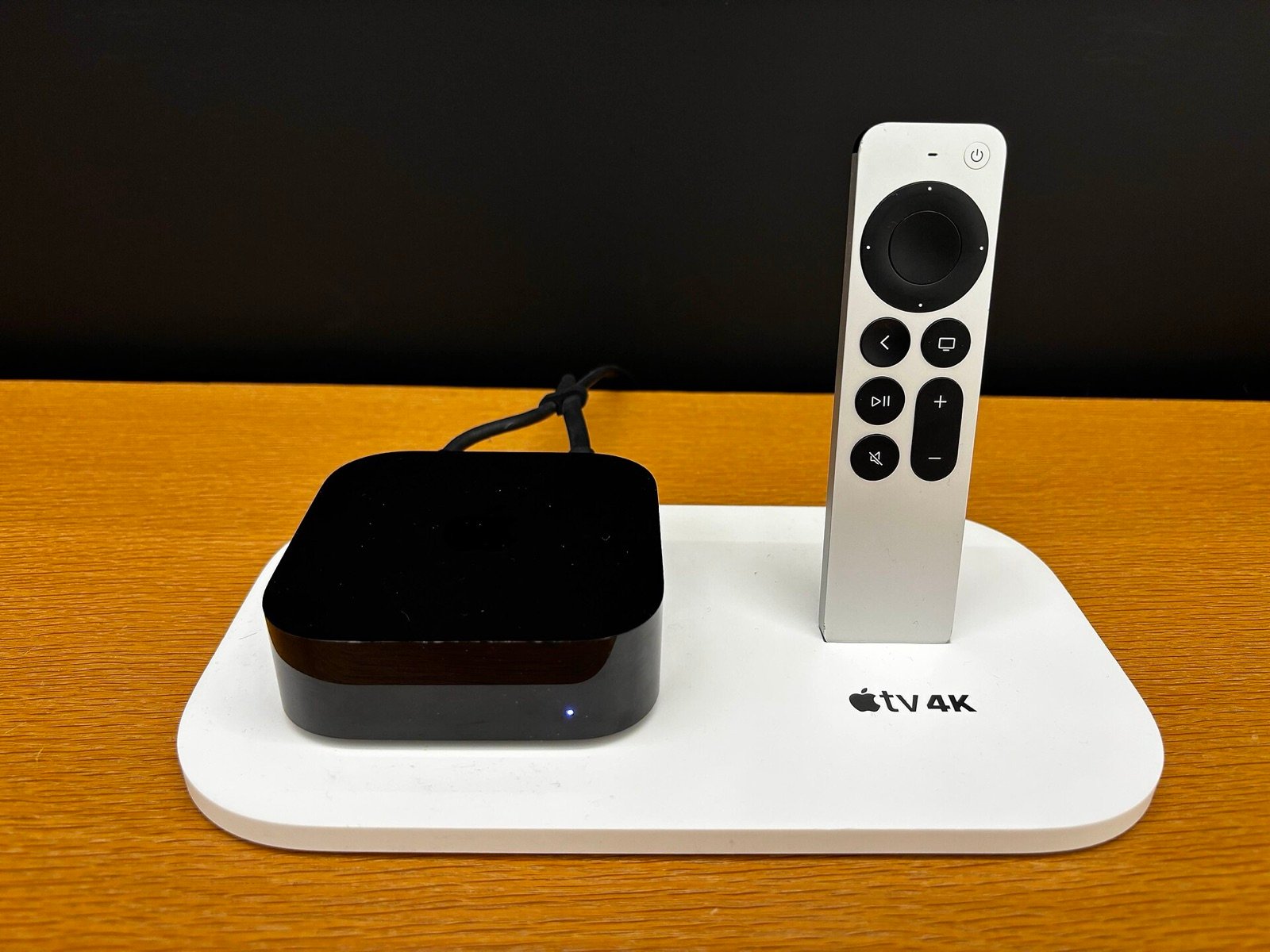
An Apple TV 4K is one of the best boxes for 4K IPTV: it decodes 4K streams smoothly and has an Ethernet port on most models. You still need a 4K source, a 4K TV and about 25 Mbps of steady speed per screen. See what 4K IPTV needs.
Try your new player tonight
Once the app is installed, you need a login that works. Ask for our free 24-hour trial on WhatsApp and tell us you use an Apple TV: we send Xtream Codes details that work in all four players above, and help you enter them. No card, nothing to pay. More on our IPTV free trial page.
Prices and ratings were taken from the US App Store on November 5, 2026 and may change. The apps mentioned are made by independent developers; Apple and these developers are not affiliated with Smart IPTV Hub.
Frequently asked questions
What is the best IPTV app for Apple TV?
Smarters Player Lite for a free start, UHF for the most polished interface, IPTVX for a cable-style guide and the most settings, Purple Playlist Player for a lifetime option.
Is there a free IPTV player for Apple TV?
Yes. Smarters Player Lite is free, with an optional $1.99 Premium upgrade. UHF, IPTVX and Purple Playlist Player are free to install, with paid plans for the full features.
Is TiviMate available on Apple TV?
No. TiviMate is an Android app. Apps with a similar name on the App Store come from other developers. On Apple TV, IPTVX and UHF are the closest experience.
Does GSE Smart IPTV work on Apple TV?
The GSE Smart IPTV Pro version we found on the US App Store was last updated in 2022 and does not list Apple TV, so we do not recommend it for Apple TV today.
Can I use IPTV Smarters on Apple TV?
Yes, through Smarters Player Lite, the Apple version from the same developer, WHMCS Smarters. It supports Xtream Codes and M3U.
Which Apple TV is best for IPTV?
An Apple TV 4K, ideally connected by Ethernet. An Apple TV HD also works for HD streams if its software is up to date; check each app's minimum tvOS version on the App Store.
Does the IPTV app include channels?
No. These apps are players. The channels come from your IPTV subscription: you enter its Xtream Codes login or M3U link in the app.
Can I try IPTV on my Apple TV for free?
Yes. Ask us for the free 24-hour trial on WhatsApp and tell us you use an Apple TV: we send a login that works in these players.