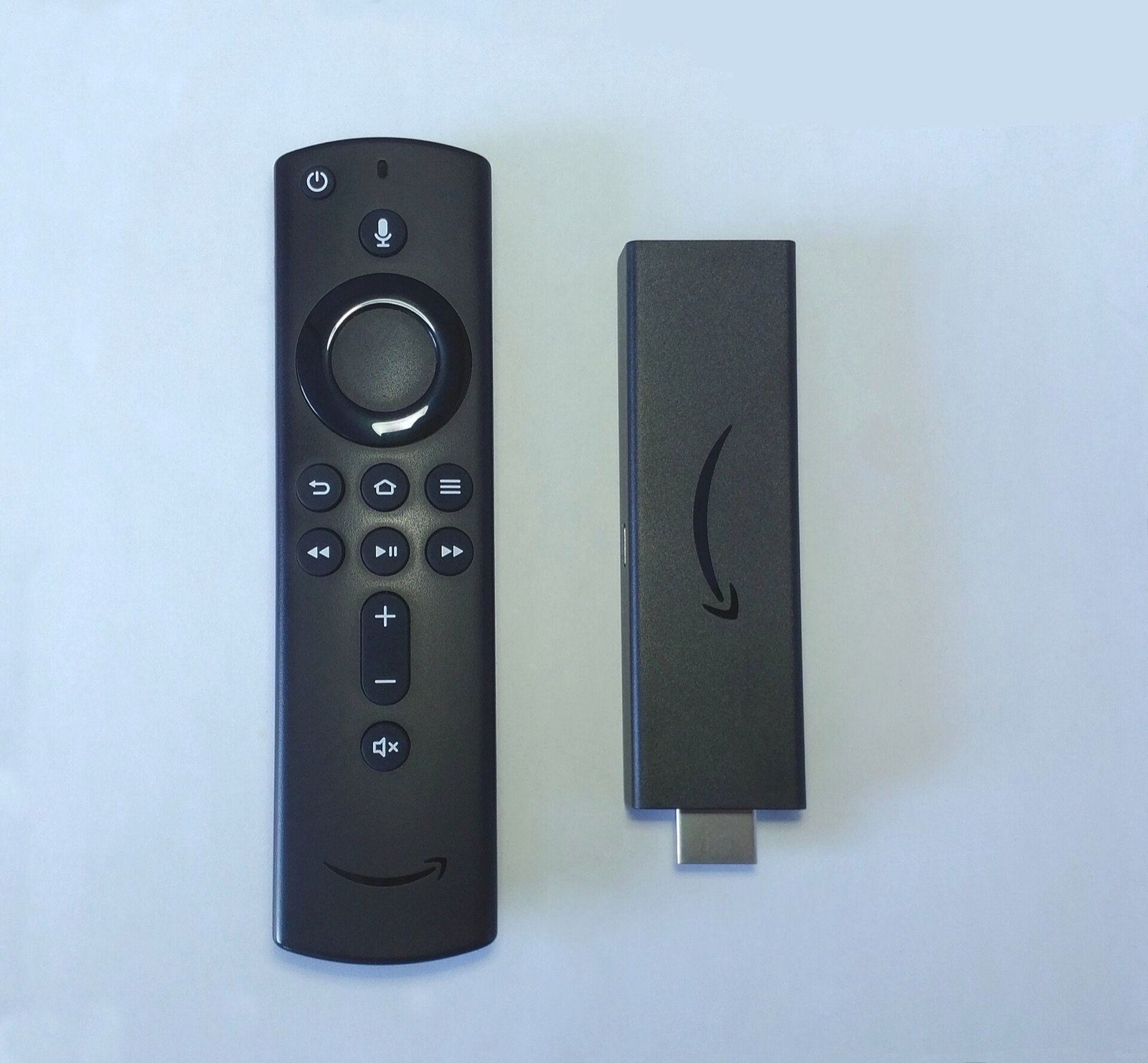
Short answer: on a Fire TV Stick running Fire OS, you install the free Downloader app from the Amazon Appstore, allow it to install apps, download an IPTV player such as TiviMate or IPTV Smarters Pro from its developer's official website, then sign in with the login your IPTV provider sends you. It takes about ten minutes. Before you start, check which Fire TV model you have: the newest ones work differently.
First, check your Fire TV model
Not every Fire TV device handles IPTV the same way, so take thirty seconds to check yours in Settings > My Fire TV > About.
| Your device | IPTV players | Best picture |
|---|---|---|
| Fire TV Stick 4K Max, Fire TV Stick 4K | Yes, through Downloader | Up to 4K |
| Fire TV Stick (HD), Fire TV Stick Lite | Yes, through Downloader | Up to Full HD (1080p) |
| Fire TV Cube, Fire TV smart TVs on Fire OS | Yes, through Downloader | Up to 4K, depending on the model |
| Newer models on Vega OS (such as the Fire TV Stick 4K Select) | Only apps from the Amazon Appstore | Depends on the app |
Amazon's newer Vega OS devices do not run Android apps installed from outside the Appstore, so the method below will not work on them. If you are buying a stick for IPTV, pick a Fire OS model such as the Fire TV Stick 4K Max, or an Android TV / Google TV device.
Step 1: allow apps from outside the Appstore
- Install Downloader (by AFTVnews) from the Amazon Appstore: search for "Downloader" from the home screen.
- Go to Settings > My Fire TV > Developer options.
- Open Install unknown apps and switch Downloader to ON. On older software the option is called Apps from Unknown Sources.
No Developer options in the menu? Go to Settings > My Fire TV > About, highlight your Fire TV's name and press the select button seven times. A message tells you that you are now a developer, and the menu appears.
Step 2: install an IPTV player
Open Downloader, type the download address given on the official website of the player you chose, and install it. Only use the developer's own site: modified APK files from random pages are a common cause of login errors, crashes and worse. When the install is done, Downloader offers to delete the installation file: say yes to save space.
The best IPTV player for Firestick
The player is only the app: the channels come from your IPTV subscription. These three are the most used on Fire TV, and all accept Xtream Codes logins and M3U links.
| Player | Cost | Best for |
|---|---|---|
| TiviMate | Free version; paid Premium unlocks more features | A cable-style TV guide, favorites, recordings with Premium. The most popular choice on Fire TV. |
| IPTV Smarters Pro | Free | Simple setup, movies and series in their own menus, also available on phones and many smart TVs. |
| IBO Player | Free trial, then a paid activation | Users who want the same app on Fire TV and on a Samsung or LG TV. |
Our advice: start with TiviMate if you mostly watch live TV, IPTV Smarters Pro if you watch a lot of movies and series. You can install both and keep the one you prefer.
Step 3: add your IPTV login
Open the player and choose the Xtream Codes option (called Xtream Codes in TiviMate and Login with Xtream Codes API in IPTV Smarters Pro). Enter:
- Server URL, exactly as your provider sent it, usually
http://server-address:port - Username and password, which are case-sensitive
- Any name you like for the playlist
The channels, the TV guide and the on-demand library load within a minute. If you get "failed to authorize" instead, the problem is almost always a typo in the URL or the password: see our guide IPTV Smarters failed to authorize.
What makes the best IPTV for Firestick
Any good IPTV service works on a Firestick; what changes is how it holds up on your connection. Look for a provider that gives a real free trial, shows its full prices, answers before and after you pay, and supports the player you chose. Our 7 checks to find the best IPTV go through each point. For 4K, you need a Fire TV Stick 4K or 4K Max and about 25 Mbps of steady speed: see what 4K IPTV needs.
Stop buffering on a Firestick
- Use Ethernet if you can. Amazon sells an Ethernet adapter for Fire TV; a wired connection fixes most buffering.
- Or get the Wi-Fi closer. The stick sits behind the TV, often the worst spot in the room. An HDMI extender cable, like the one in the box, moves it out a few inches and helps the signal.
- Clear the player's cache. Settings > Applications > Manage Installed Applications, select the player, then Clear cache.
- Free up storage. Fire TV sticks have little space. Uninstall apps you no longer use.
- Restart the stick from Settings > My Fire TV > Restart when it has been on for days.
- Test at prime time. If it only buffers in the evening, run a speed test on the stick around 9 pm to see what your connection really delivers.
Try it on your Firestick tonight
Once the player is installed, all you need is a working login. Ask for our free 24-hour trial on WhatsApp, tell us you are on a Firestick, and we send Xtream Codes details that work in TiviMate and IPTV Smarters Pro, with help to enter them if you need it. Details on our IPTV free trial page.
TiviMate, IPTV Smarters Pro, IBO Player and Downloader are made by independent developers, and Fire TV is an Amazon product. Smart IPTV Hub is not affiliated with any of them.
Frequently asked questions
What is the best IPTV player for Firestick?
TiviMate for a cable-style TV guide, IPTV Smarters Pro for a simple free app with good movie and series menus. Both accept Xtream Codes and M3U.
Can you still get IPTV on a Firestick?
Yes, on Fire TV models running Fire OS, such as the Fire TV Stick 4K Max, by installing a player with Downloader. Newer Vega OS models only run apps from the Amazon Appstore.
How do I install IPTV Smarters Pro on a Firestick?
Install Downloader from the Appstore, allow it under Settings, My Fire TV, Developer options, Install unknown apps, then download IPTV Smarters Pro from the developer's official website and sign in with your Xtream Codes login.
Do I need a Fire TV Stick 4K for IPTV?
Not for IPTV itself: the HD and Lite sticks play the same channels in up to Full HD. You need a 4K or 4K Max model, and a 4K TV, to watch in 4K.
Why is IPTV buffering on my Firestick?
Usually weak Wi-Fi behind the TV. Try an Ethernet adapter, move the router closer, clear the player's cache and restart the stick.
Is there a free IPTV player for Firestick?
Yes. IPTV Smarters Pro is free, and TiviMate has a free version. The player does not include channels: you still need an IPTV subscription.
Can I use the same IPTV subscription on my Firestick and my phone?
Yes, as long as the number of screens watching at the same time stays within your plan. A 2-device plan covers both at once.
Can I try IPTV on my Firestick for free?
Yes. Ask us for the free 24-hour trial on WhatsApp and tell us you use a Firestick: we send a login that works in TiviMate and IPTV Smarters Pro.