Short answer: on many Samsung smart TVs you can install IPTV Smarters straight from the TV's app store: open Apps, search for "IPTV Smarters", install it, then sign in with the Xtream Codes login your IPTV provider sends you. It is free. If the app does not show up on your model, you have two good options: another IPTV player from the Samsung store, or a streaming stick plugged into the TV.
Is IPTV Smarters available on your Samsung TV?
Samsung's US app store lists an app called IPTV Smarters, free, published by whmcssmarters, the developer of IPTV Smarters Pro. It supports Xtream Codes logins and the TV guide. But not every Samsung TV sees it: availability depends on the model, its age and the country the TV is set to. Some owners only find an app called IPTV Smarters Player, others find nothing at all.
Watch out for look-alikes: apps with similar names from other developers also appear in the store. Before installing, open the app's page and check the developer name.
How to install IPTV Smarters on a Samsung TV
- Press the Home button on the remote and go to Apps.
- Select the search icon (magnifying glass) and type IPTV Smarters.
- Open the app page, check the developer, and select Install.
- Once installed, select Open. You can also add it to your home screen.
How to sign in
When the app opens, choose the Xtream Codes option and enter the details from your IPTV provider:
- Any name for the profile
- Username and password: case-sensitive, so type them carefully with the remote
- Server URL, exactly as sent, usually
http://server-address:port
The channels, the TV guide and the movie and series sections load after a moment. If the app says "failed to authorize" or "authorization failed for above host", the cause is almost always a typo in the URL or the password: our guide IPTV Smarters failed to authorize walks through every fix.
IPTV Smarters not working on your Samsung TV?
- Restart the TV properly. Turning it off with the remote only puts it in standby. Unplug it for 30 seconds, then plug it back in.
- Update the TV software. Go to Settings > Support > Software Update.
- Reinstall the app. Delete it from Apps, restart the TV, then install it again.
- Reset Smart Hub. On recent models: Settings > Support > Device Care > Self Diagnosis > Reset Smart Hub (on older models, Settings > Support > Self Diagnosis). The default PIN is 0000. This removes your apps and their logins, so keep your details at hand.
- Check the connection. Samsung TVs show their network status in Settings > General > Network > Network Status. An Ethernet cable is the most reliable fix for buffering.
The best IPTV app for a Samsung TV
IPTV Smarters is free and simple, but the TV version has fewer options than the Android one, and some users find it slower on large channel lists. Here is how the usual choices compare:
| Option | Cost | Good to know |
|---|---|---|
| IPTV Smarters (Samsung store) | Free | Xtream Codes login, TV guide. Not listed on every model. |
| Smart IPTV or IBO Player (Samsung store) | Free trial, then a paid activation from the developer | Load your playlist through the developer's website. Check the activation price before you start. |
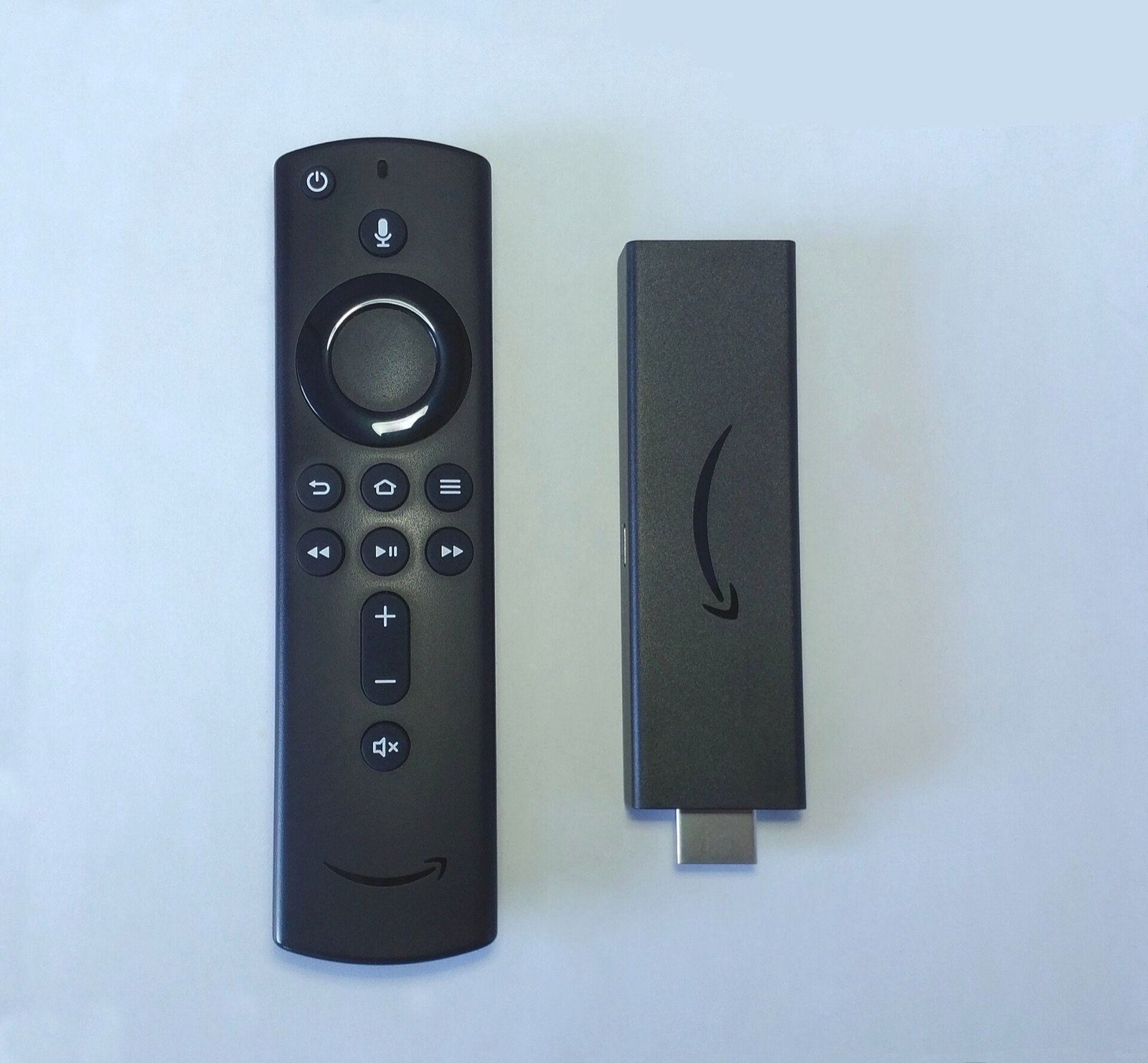
| A streaming stick (Fire TV Stick 4K Max, Google TV Streamer) | The price of the device | Gives you TiviMate and IPTV Smarters Pro with every feature, and usually smoother playback. See our Firestick setup guide. |
Our advice: try IPTV Smarters on the TV first, since it costs nothing. If it is missing, slow, or you want features like favorites and catch-up, a streaming stick is the most reliable upgrade.
4K on a Samsung TV
A 4K Samsung TV can play 4K IPTV streams, but the built-in app may not handle every 4K stream as smoothly as a dedicated 4K stick. Allow about 25 Mbps of steady speed per 4K screen, ideally over Ethernet. More in what 4K IPTV needs.
Test it on your Samsung TV
Once IPTV Smarters is installed, you only need a login that works. Ask for our free 24-hour trial on WhatsApp and tell us you are on a Samsung TV: we send Xtream Codes details for IPTV Smarters and help you enter them if needed. No card, nothing to pay. More on our IPTV free trial page.
IPTV Smarters, Smart IPTV and IBO Player are made by independent developers, and Samsung is not involved in any IPTV service. Smart IPTV Hub is not affiliated with any of them.
Frequently asked questions
Can I install IPTV Smarters Pro on my Samsung TV?
On many models, yes: search for IPTV Smarters in the TV's Apps store. The Samsung version is called IPTV Smarters and is free. If your model does not list it, use another player from the store or a streaming stick.
Why can't I find IPTV Smarters on my Samsung TV?
Availability depends on the model, its age and the country set on the TV. Some TVs only show IPTV Smarters Player, others none. A Fire TV Stick or Google TV device is the easiest workaround.
Is IPTV Smarters free on Samsung TV?
Yes, the app is free. You still need an IPTV subscription: the app has no channels of its own.
Why is IPTV Smarters not working on my Samsung TV?
Check the login details first, then unplug the TV for 30 seconds, update its software, reinstall the app, and if needed reset Smart Hub.
What is the best IPTV app for a Samsung TV?
IPTV Smarters if it is listed on your TV, since it is free. For more features, Smart IPTV or IBO Player (paid activation after a trial), or a streaming stick with TiviMate.
Can I use an M3U link instead of Xtream Codes?
Some players accept M3U links. If your provider gave you Xtream Codes details, the Xtream Codes login is the simplest option in IPTV Smarters.
Does IPTV Smarters on Samsung support 4K?
A 4K Samsung TV can play 4K streams in the app, given about 25 Mbps of steady speed. A dedicated 4K stick often plays them more smoothly.
Can I try IPTV on my Samsung TV for free?
Yes. Ask us for the free 24-hour trial on WhatsApp and tell us you use a Samsung TV: we send a login that works in IPTV Smarters.